Technology education for IT careers
Learn IT, from your first day to Senior System Administrator.
A clear path of short, plain-English lessons, real ticket stories, diagrams and hands-on labs, with quizzes and flashcards that make it stick.
Levels 0 and 1 are free forever. No card needed.
How it works
Understand it. Practise it. Prove it.
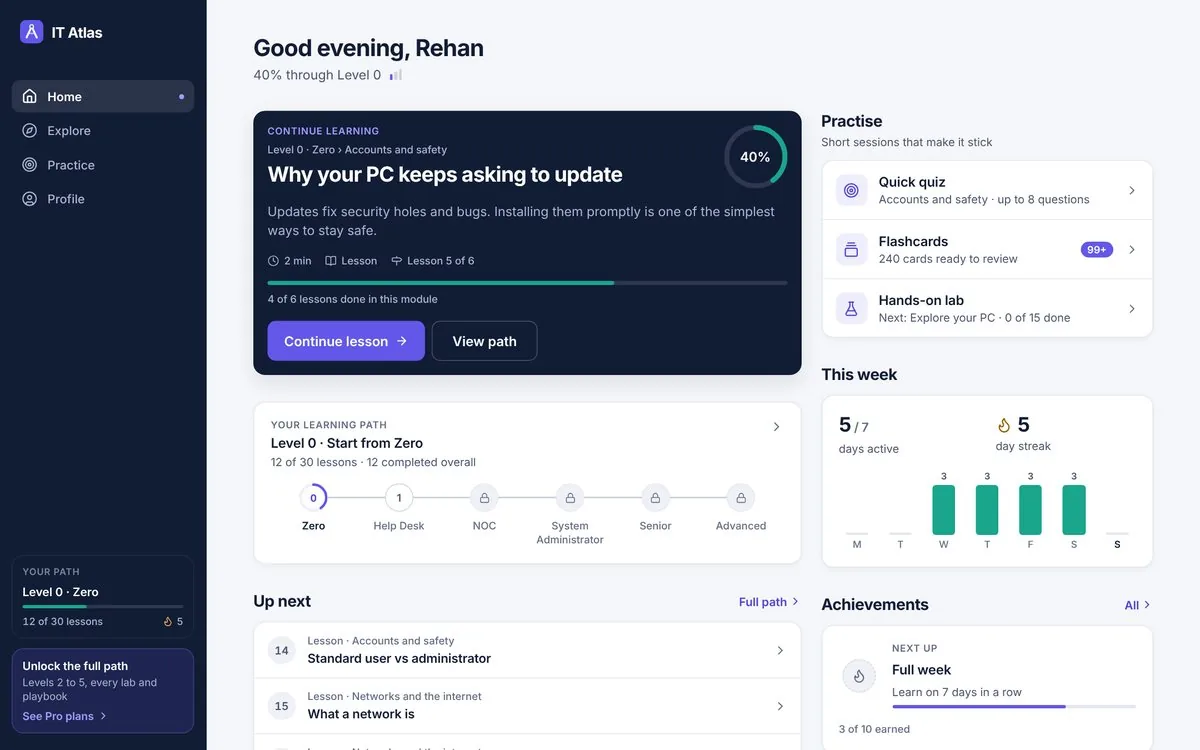
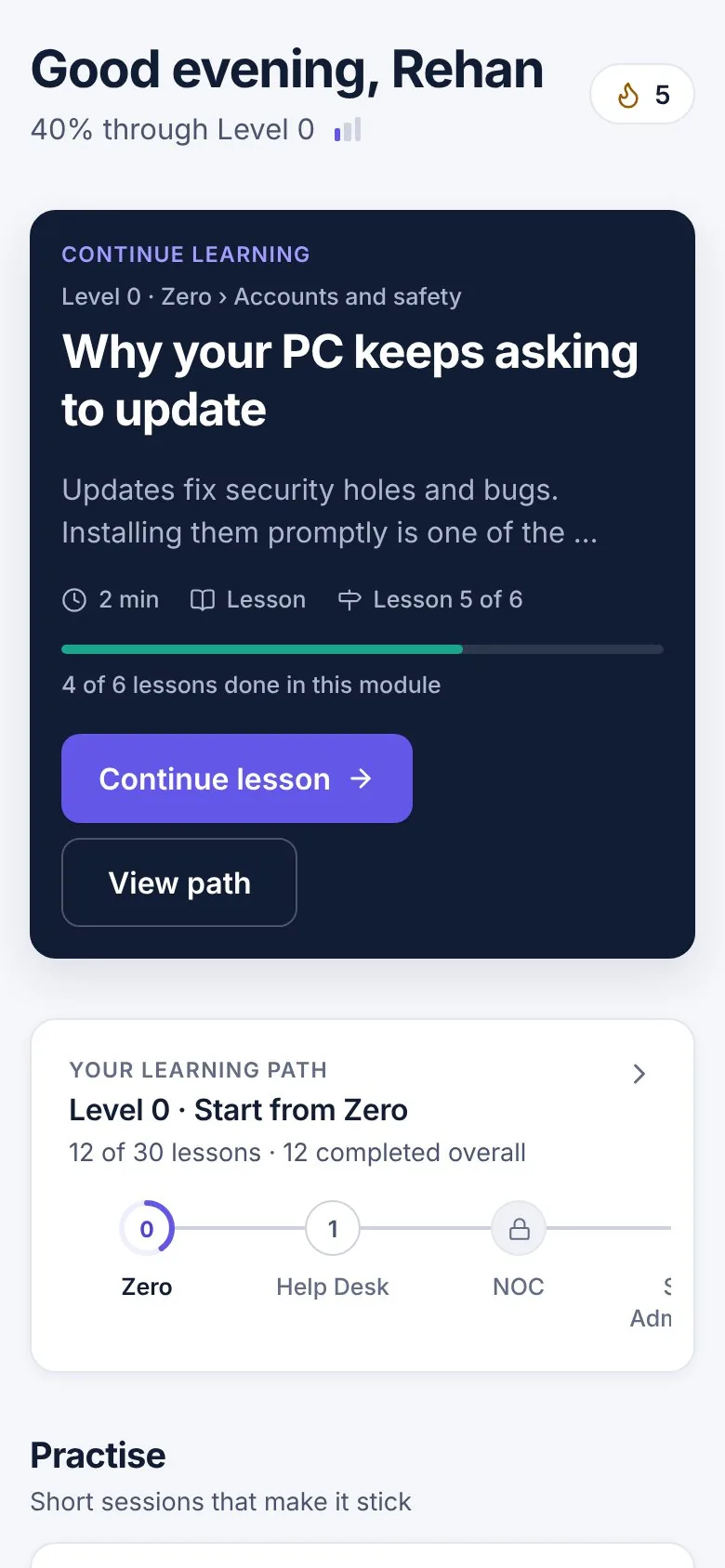
Learn in order
Every level is a sequence of short lessons, so there is always one obvious next step. Each lesson starts with the idea in one paragraph, then a diagram, a real example and common mistakes.
Make it stick
Quizzes after every module, with an explanation for each answer, and flashcards that come back after 1, 3, 7, 16 and 35 days, so you remember what you learned.
Do it for real
15 hands-on labs on your own computer, from reading Task Manager to building a Windows Server lab, with steps you tick off as you go.
The learning path
Six levels, from zero to architect.
Pick a level to see what it covers. Every lesson title is visible before you start.
Start from Zero
Never worked in IT
- Your computer8
- Accounts and safety6
- Networks and the internet7
- Work tools5
- Thinking like a tech4
Help Desk Technician
Your first IT job
- Help desk craft5
- Email & Outlook problems10
- Internet & Wi-Fi problems8
- Mac problems4
- Microsoft 365 & Teams problems9
- New starters & leavers3
- Phone & tablet problems3
- Printer & scanner problems5
- Security & scam problems6
- Sign-in & password problems7
- Software & app problems4
- Windows PC problems17
- Labs5
NOC Technician
Watching and fixing alerts
- How networks work9
- Monitoring and the RMM11
- Backup and recovery10
- Security basics10
- Network gear and remote access11
- Your first NOC alerts2
- Running the NOC8
System Administrator
Servers, identity, Microsoft 365
- Windows and identity7
- Microsoft 365 and endpoints6
- Servers and virtualization6
- Backup and recovery5
- Fixing the harder problems5
- Automation4
- Servers, virtualization and cloud5
- Labs8
Senior System Administrator
Deep troubleshooting and incidents
- Deep troubleshooting7
- Incidents that matter6
- P1 playbooks6
- P2 playbooks17
- P3 and P4 playbooks20
- Labs2
Advanced System Administrator and Architect
Design, governance, modern platforms
- Architecture7
- Governance7
- Modern platforms6
Lessons
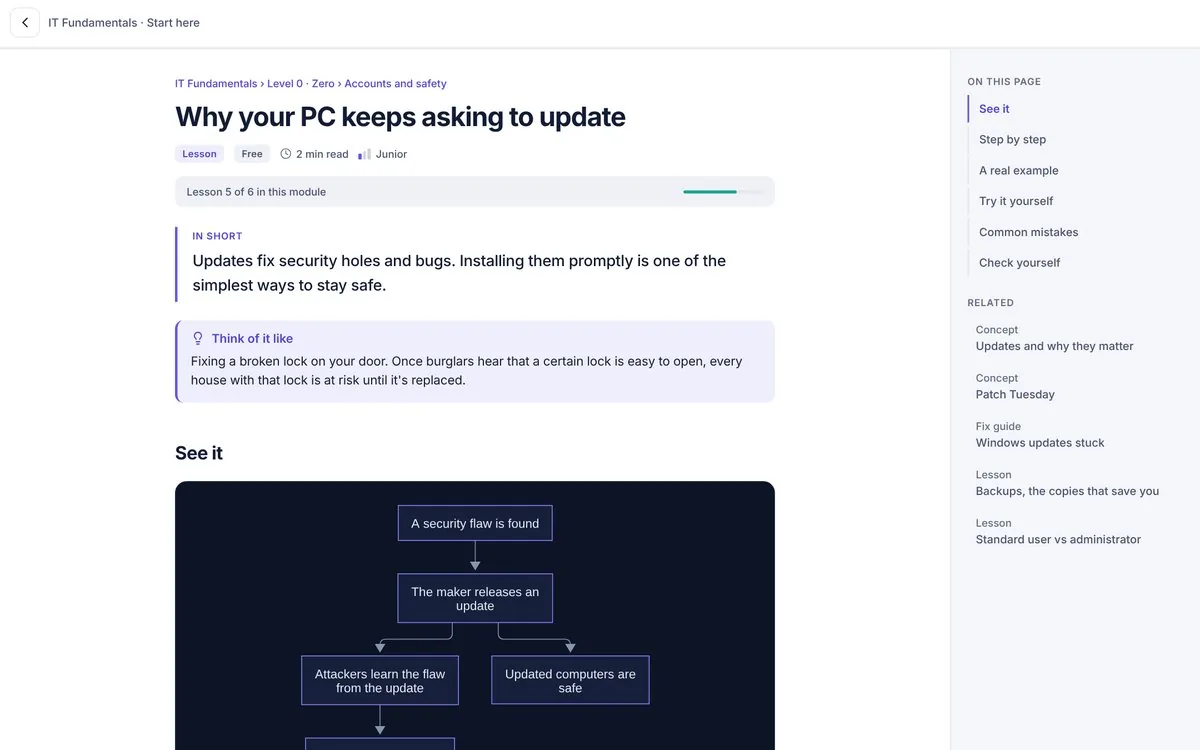
A reading experience built for technical learning.
- “In short” summaries, then the full explanation, never the other way round
- 178 diagrams you can open full size
- PowerShell and command examples with one-tap copy
- Self-check questions in every lesson, and related pages to go deeper
Practice
Quizzes, flashcards and labs in one system.
IT Atlas tells you what to practise next, what is fading and what you have mastered.
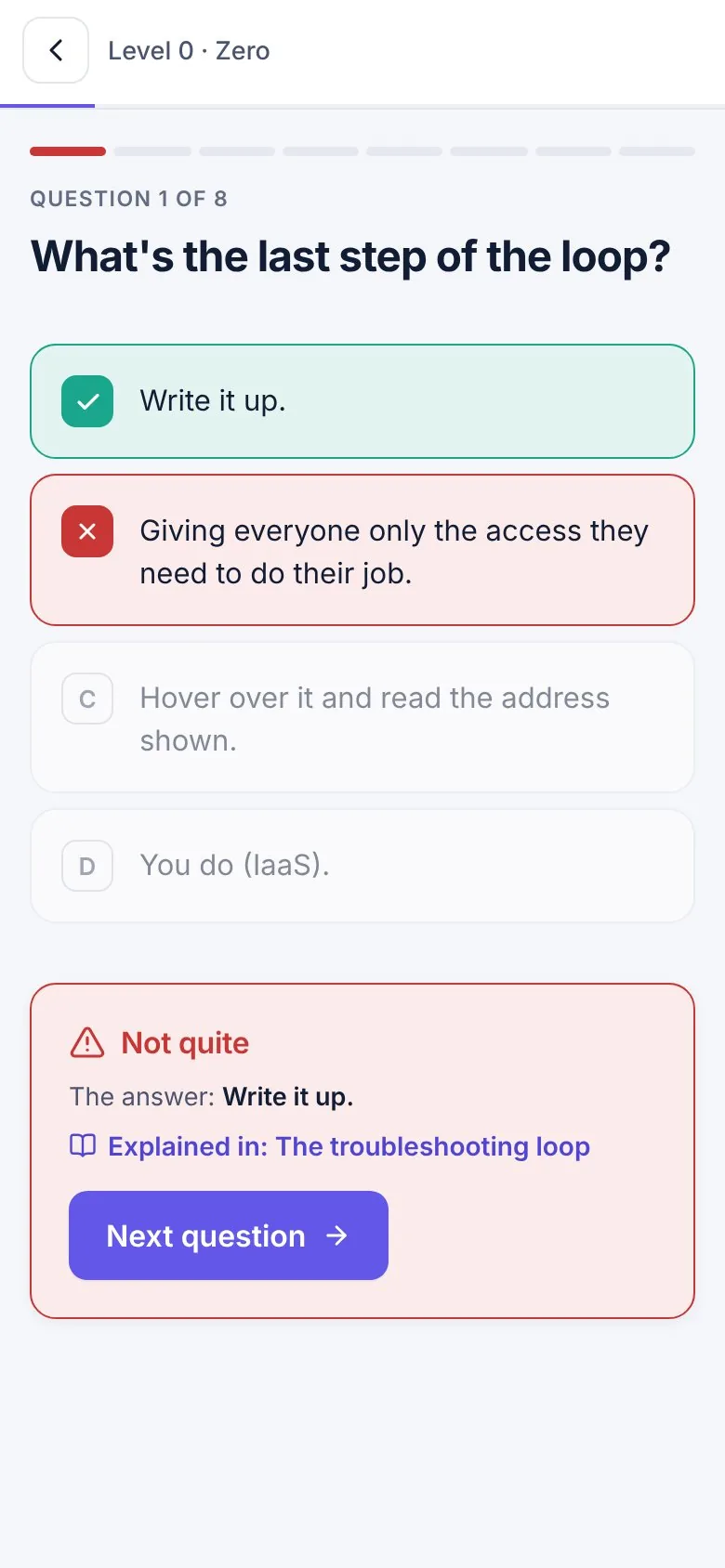
Quizzes with explanations
Up to 8 questions per module or level, instant feedback, and a link to the lesson that explains each answer.
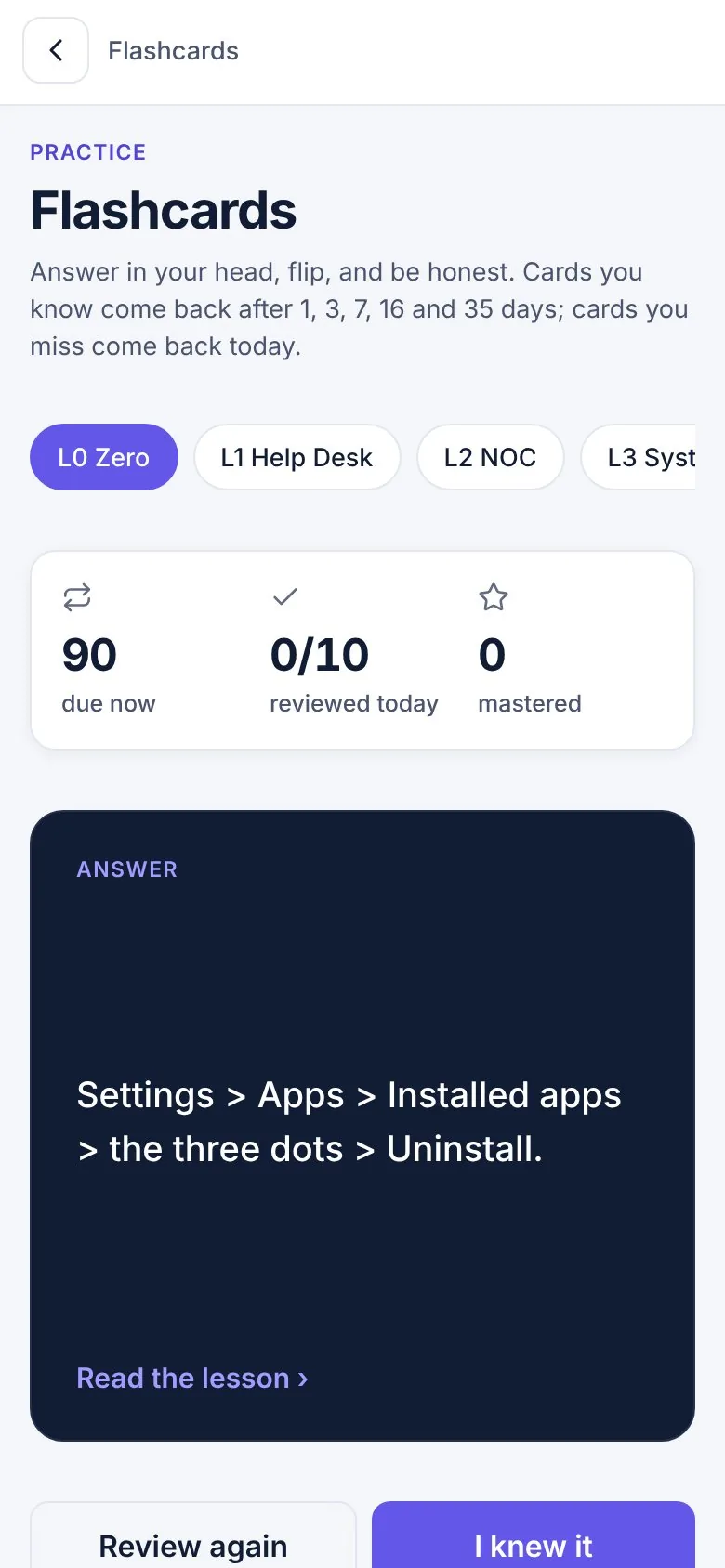
Spaced-repetition flashcards
Cards you know come back less often; cards you miss come back today.
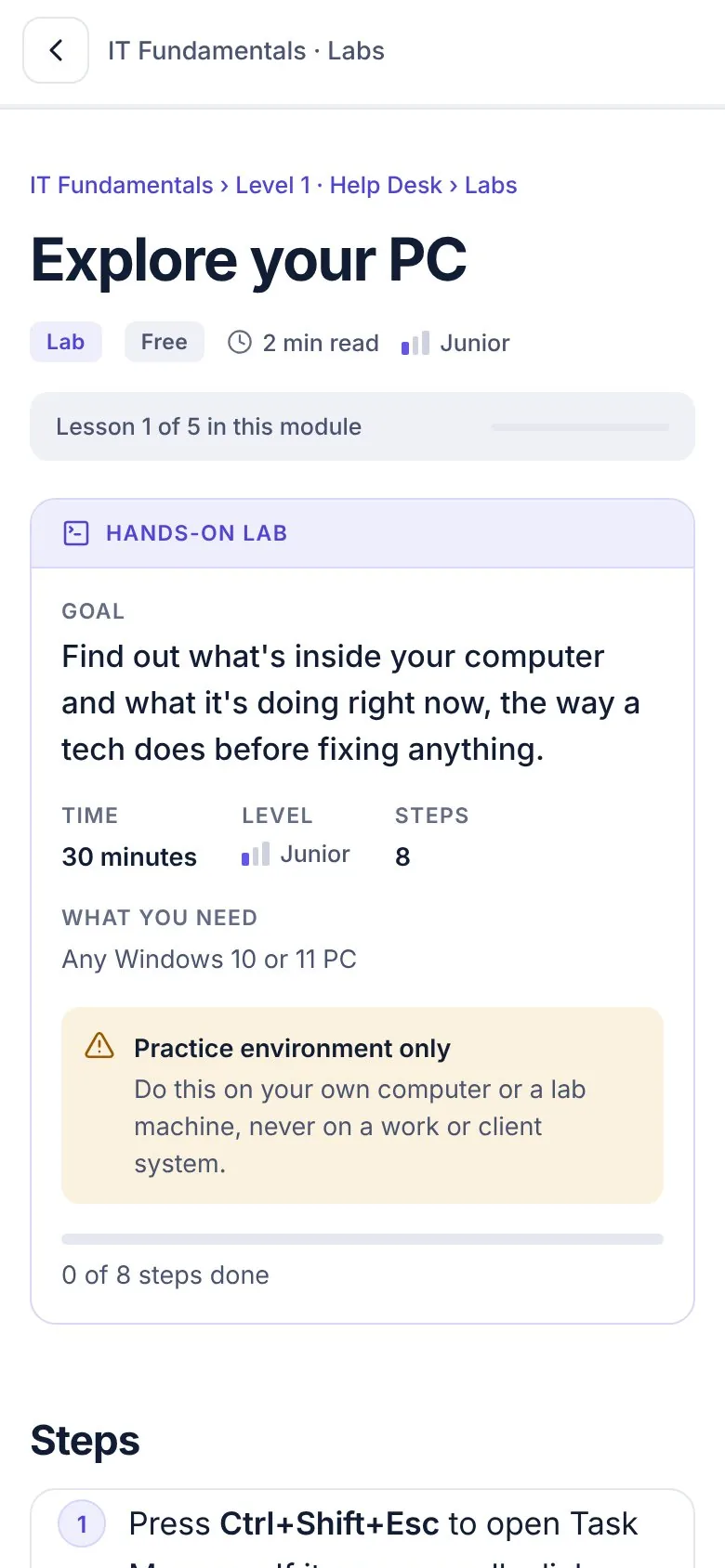
Hands-on labs
Clear goal, time and what you need, a safety note, and steps you tick off.
Topics
Every part of IT, organised the way you think about it.
Pricing
Start free. Upgrade when you are ready for the next level.
Free
Your first IT job, start to finish.
- Levels 0 and 1: 116 lessons, zero to Help Desk
- 76 everyday fix guides
- 3 hands-on labs
- Quizzes for Levels 0 and 1
- 10 flashcards a day with spaced repetition
- Certificates for Levels 0 and 1
IT Atlas Pro
or ₹299 per month
- Everything in Free
- Levels 2 to 5: NOC to Advanced System Administrator
- All 48 incident playbooks
- All 15 labs
- 438 tool and vendor pages
- Unlimited flashcards, quizzes for every level and topic
- Certificates for every level
Pro is a subscription through Google Play or the App Store, and you can cancel any time in your store account. Prices shown are the planned launch prices; the final price in your currency is shown in the store before you pay.
Questions
Frequently asked questions
Who is IT Atlas for?
Anyone who wants to work in IT, from people who have never had a tech job to help desk technicians aiming for NOC and system administrator roles. You pick your starting level when you open the app.
Do I need any experience?
No. Level 0 starts from zero: how computers, accounts and networks work, explained in plain English with 178 diagrams across the atlas.
What is free and what is Pro?
Levels 0 and 1, the 76 fix guides, 3 labs and 10 flashcards a day are free forever. Pro opens Levels 2 to 5, all 48 incident playbooks, all 15 labs and unlimited practice.
How is the content written and checked?
Every page is written by a working practitioner from real tickets and incidents. Pages still waiting for a second expert review are clearly marked in the app, and commands should always be checked against vendor documentation before you use them on production systems.
Are IT Atlas certificates official certifications?
No. An IT Atlas certificate shows you completed a level. It is not a vendor certification such as Microsoft or CompTIA, though the levels cover much of the same ground.
Where can I use it?
In your browser on a laptop, tablet or phone today. The Android and iOS apps are being prepared for the stores.
Where is my progress saved?
On your device. Signing in to sync progress between devices is planned for launch.
Start with Level 0 today. It's free.
301 lessons in order, 15 hands-on labs and 487 practice questions. Levels 0 and 1 stay free.
Start learning free